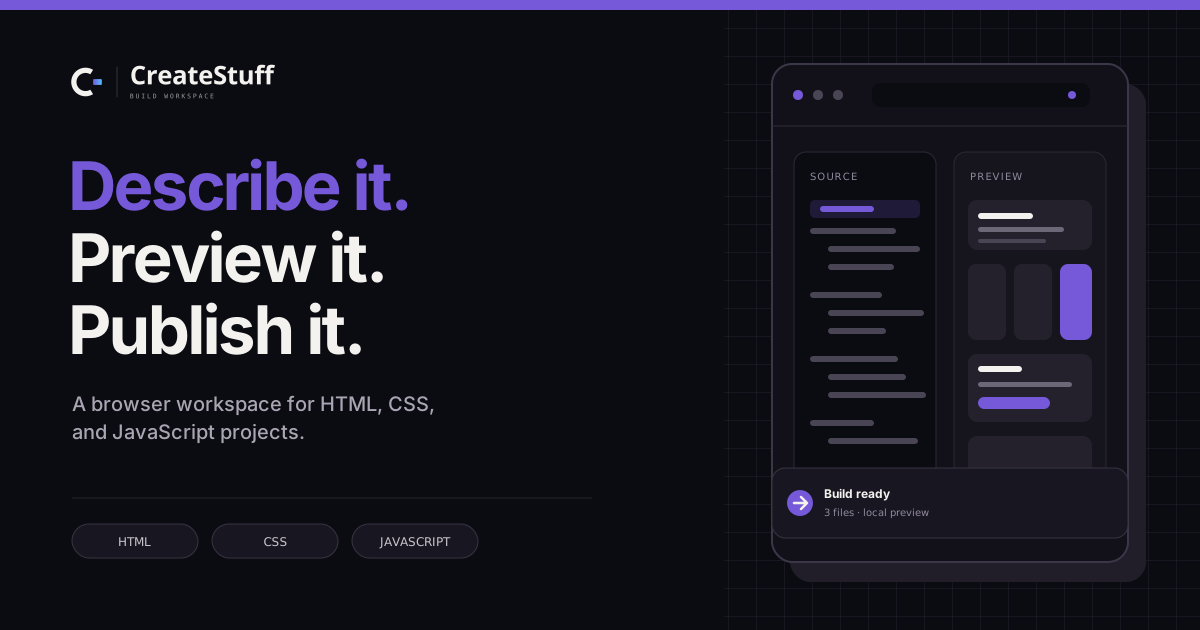
Type it, get the code
Describe the page or tool you want in ordinary words. The builder writes the HTML, CSS and JavaScript and shows each file as soon as it's written.
Your words Working appCreateStuff is an AI app builder that gives your app its own stored data, a sign-in, and a real web address. Describe what you want — it writes the HTML, CSS and JavaScript, shows it to you live, and puts it on a link you can open anywhere.
What you get
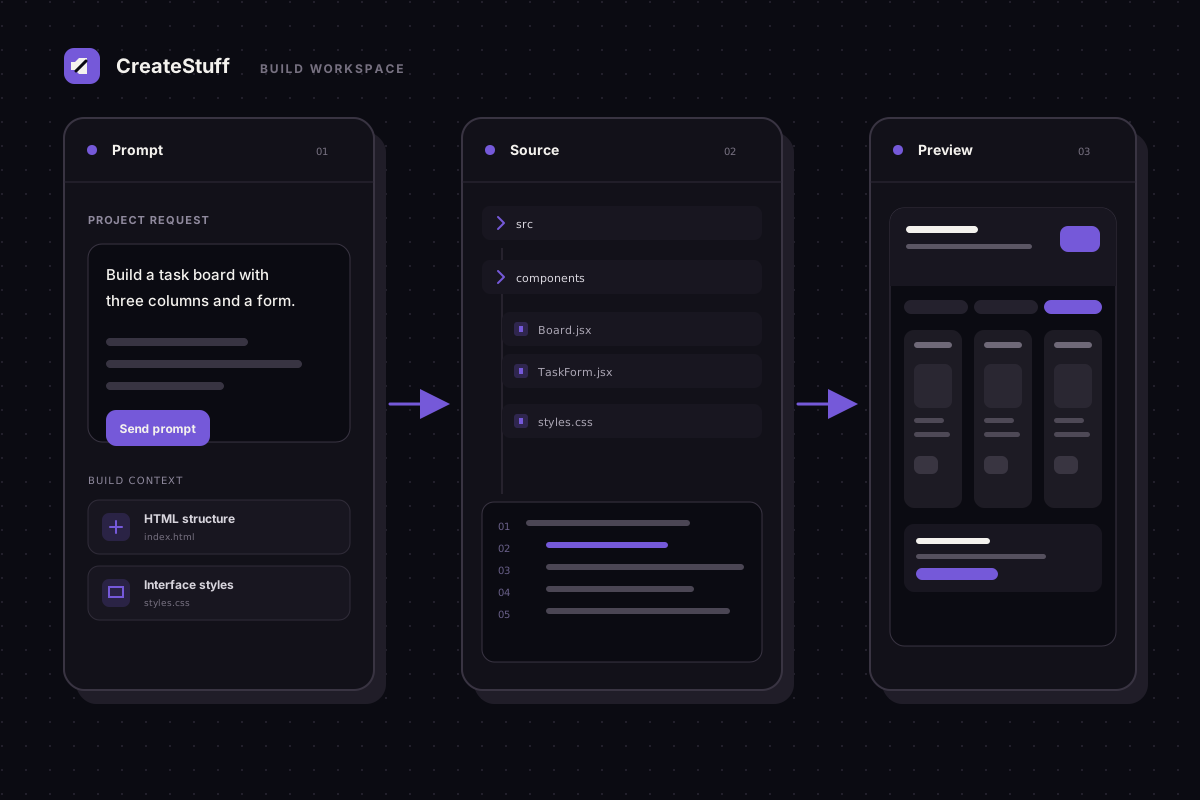
Write the idea, watch the code appear, check it at both sizes, then put it on a link. Each card below is one part of that same short journey — nothing to install or set up.
Describe the page or tool you want in ordinary words. The builder writes the HTML, CSS and JavaScript and shows each file as soon as it's written.
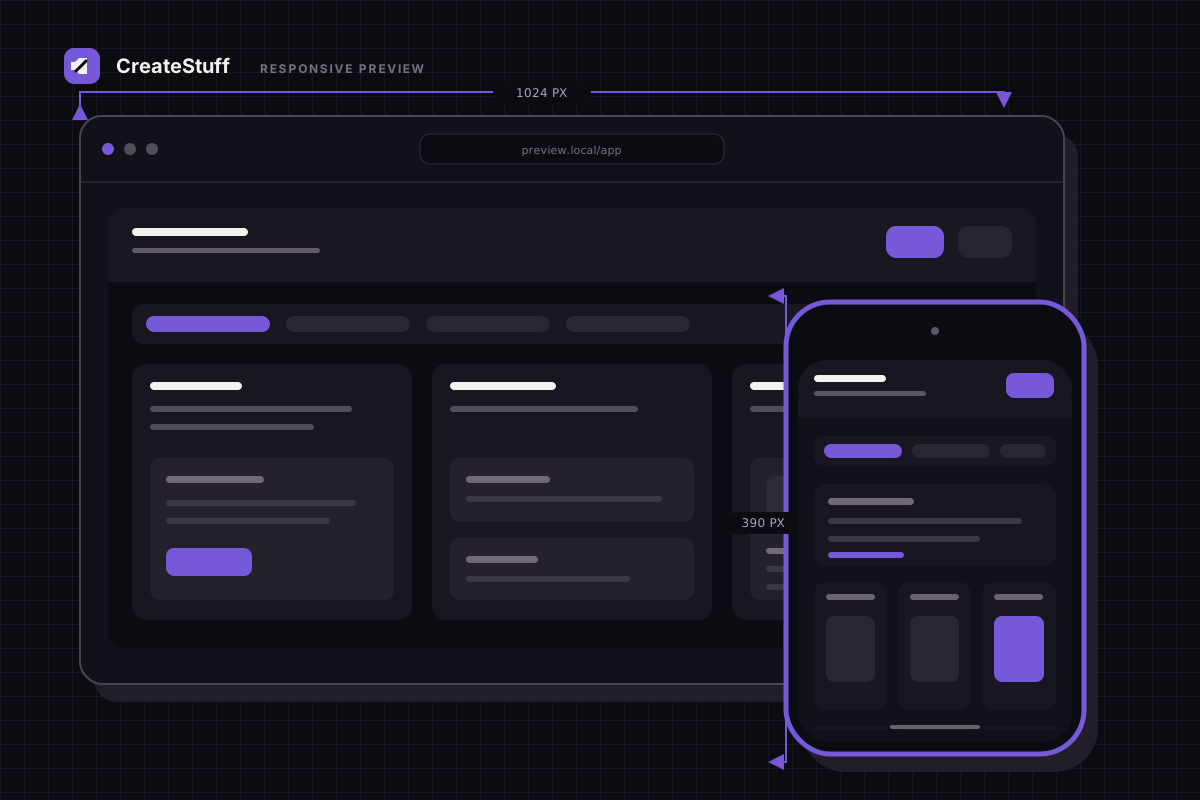
Your words Working appFlip the preview between a phone screen and a desktop screen to see how it holds up before anyone else sees it.
Phone DesktopPress Put online and your app opens on an address of its own — on a phone or a laptop, for anyone you send the link to.
Put online LiveConnect GitHub (a website where people store their code) to see the projects you keep there, paste a link to bring one in as a new app, start an empty one, or send your changes back.
Bring in Send backOpen any file in the editor, change it by hand, save it back, or download the whole app as a ZIP and keep it wherever you like.
Edit DownloadShop, booking page, dashboard, blog, course or landing page — each one comes with a first sentence you can send straight to the builder.
Pick one Edit itHow it works
Type what the app should do in plain words, or start from an example and edit the first sentence. The team plans it, then writes the files.
Your app appears in the preview pane next to the chat. Switch between phone and desktop, and keep describing changes until it looks right.
Press Put online to get a web address anyone can open, keep the files in The code, or send them to your GitHub account.
Open the builder, write the first sentence, and watch the files appear. Sign in or make a free account to begin.
Sign in
One account holds your apps, your files and the web addresses you've put online.
Your apps stay with you. Everything you make, its files and its earlier versions are saved to your account.
Bring in what you already made. Paste the link to a GitHub project and keep editing it here.
Phone friendly. The builder, the preview and the Put online step all work on a phone.
Free AI App Builder for Phone
No account yet? Create one free